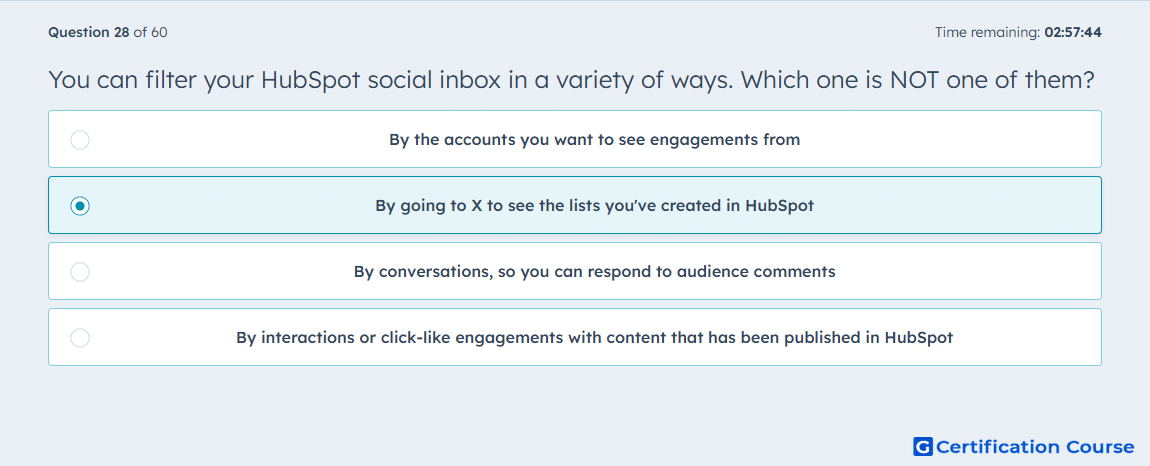
Question: You can filter your HubSpot social inbox in a variety of ways. Which one is NOT one of them?
- By the accounts you want to see engagements from
- By going to X to see the lists you've created in HubSpot
- By conversations, so you can respond to audience comments
- By interactions or click-like engagements with content that has been published in HubSpot
Explanation
HubSpot’s social inbox is used to review and manage social interactions from connected accounts in the Reply tab. Its documented filters include Accounts, Interaction types, Statuses, Sentiment, and Date range. X feeds and X lists belong to the social monitoring workflow in the Listen tab, not to social inbox filtering. That makes the X-list choice the only item that does not match a social inbox filter.
Why the other options are incorrect
Accounts This is a standard social inbox filter used to limit interactions to selected connected social accounts.
Conversations HubSpot lets users review and reply to social interactions and threads in the social inbox, so this aligns with how audience comments are managed there.
Interactions HubSpot supports filtering social inbox activity by Interaction types, including comments, mentions, reposts, new followers, and direct messages.
Source for verification
https://knowledge.hubspot.com/social/use-inbox-streams
https://knowledge.hubspot.com/social/create-and-monitor-twitter-streams
The answer(s) to the question is highlighted in the BOLD text above. You can also find more questions and answers related to the exams on the "HubSpot Marketing Hub Software Certification" page.