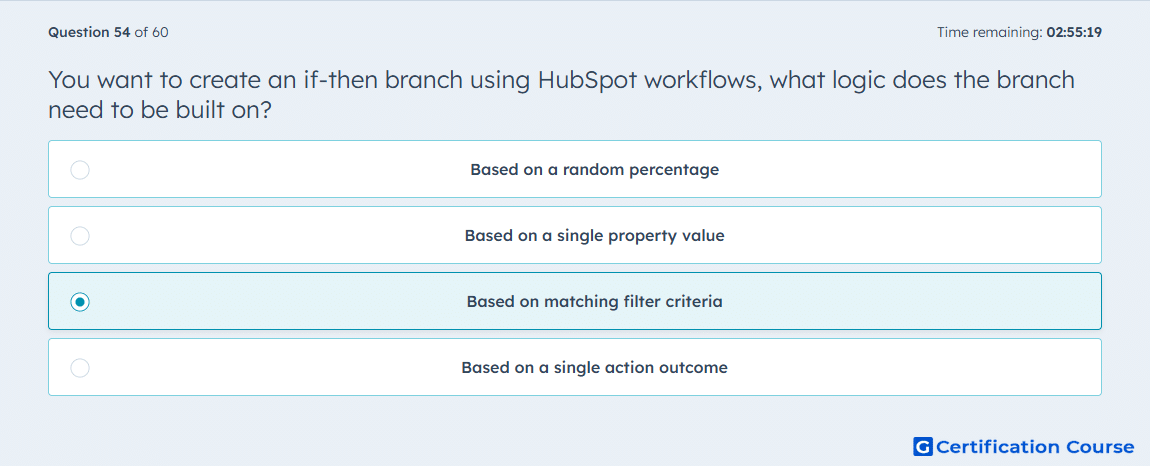
Question: You want to create an if-then branch using HubSpot workflows, what logic does the branch need to be built on?
- Based on a random percentage
- Based on a single property value
- Based on matching filter criteria
- Based on a single action outcome
Explanation
HubSpot if/then branches use AND/OR logic to route enrolled records through different workflow paths. The branch evaluates records against criteria such as properties, activities, and other workflow-type conditions. This allows records to continue only through the path where the configured conditions are met. It is the workflow branch type used when multiple conditions need to be checked together.
Why the other options are incorrect
Random percentage is used for a random split, not an if/then branch.
Single property value describes a value equals branch, not an if/then branch.
Single action outcome describes value equals branching based on a prior workflow action, not an if/then branch.
Source for verification
https://knowledge.hubspot.com/workflows/use-if-then-branches-in-workflows
The answer(s) to the question is highlighted in the BOLD text above. You can also find more questions and answers related to the exams on the "HubSpot Email Marketing Software" page.