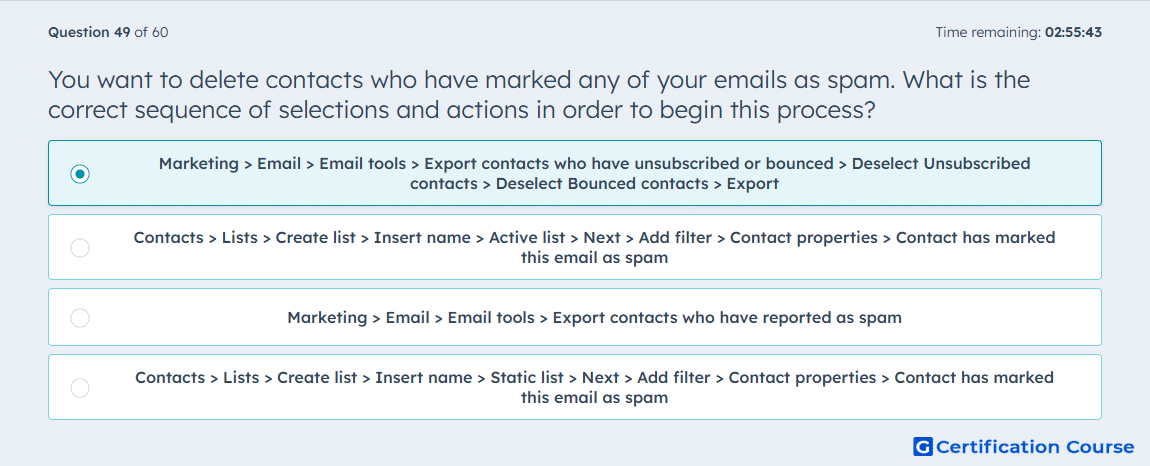
Question: You want to delete contacts who have marked any of your emails as spam. What is the correct sequence of selections and actions in order to begin this process?
- Marketing > Email > Email tools > Export contacts who have unsubscribed or bounced > Deselect Unsubscribed contacts > Deselect Bounced contacts > Export
- Contacts > Lists > Create list > Insert name > Active list > Next > Add filter > Contact properties > Contact has marked this email as spam
- Marketing > Email > Email tools > Export contacts who have reported as spam
- Contacts > Lists > Create list > Insert name > Static list > Next > Add filter > Contact properties > Contact has marked this email as spam
Explanation
HubSpot groups contacts who unsubscribe, hard bounce, or report email as spam as contacts who no longer receive marketing emails. To isolate spam reporters, the email tools export is narrowed by removing unsubscribed contacts and bounced contacts from the export criteria. This leaves the contacts who reported a marketing email as spam so they can be reviewed before deletion. HubSpot automatically omits these contacts from future marketing email sends, but removing them can help keep the CRM clean.
Why the other options are incorrect
Active list filter is incorrect because the stated property path is not HubSpot’s correct starting process for this cleanup.
Direct spam export is incorrect because HubSpot’s process uses the broader ineligible-contact export or segment workflow rather than a standalone spam-only export.
Static list filter is incorrect because a fixed list is not the recommended starting point for identifying all contacts who reported spam.
Source for verification
The answer(s) to the question is highlighted in the BOLD text above. You can also find more questions and answers related to the exams on the "HubSpot Email Marketing Software" page.