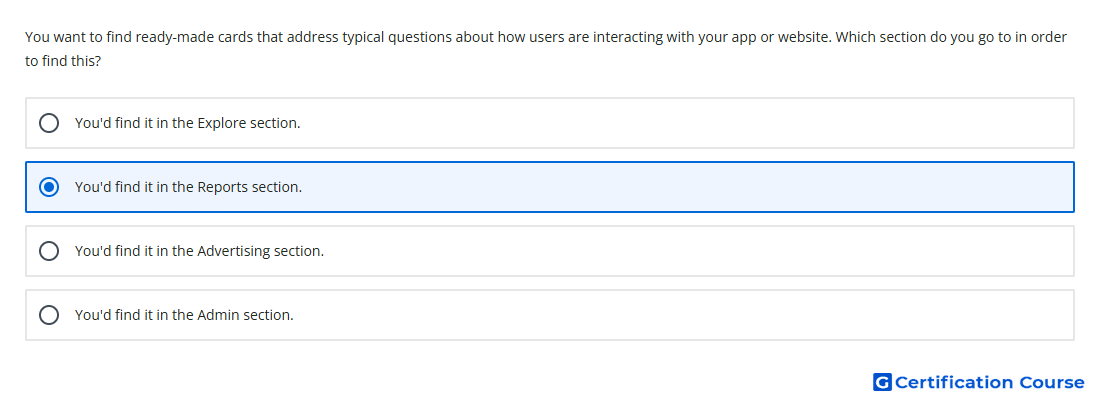
Question: You want to find ready-made cards that address typical questions about how users are interacting with your app or website. Which section do you go to in order to find this?
- You'd find it in the Reports section.
- You'd find it in the Explore section.
- You'd find it in the Admin section.
- You'd find it in the Advertising section.
Explanation
The Reports section contains ready-made report cards that answer common questions about user behavior. These cards summarize activity across areas such as acquisition, engagement, monetization, and retention. In Google Analytics, reports are designed for standard monitoring of how users interact with an app or website. This makes the section appropriate when predefined insights are needed without building a custom exploration.
Why the other options are incorrect
Admin is used to manage property settings, access, events, and configuration.
Advertising focuses on attribution and advertising performance.
Explore is used for custom analysis techniques, not ready-made report cards.
Source for verification
https://support.google.com/analytics/answer/9212670
The answer(s) to the question is highlighted in the BOLD text above. You can also find more questions and answers related to the exams on the "Google Analytics Certification" page.