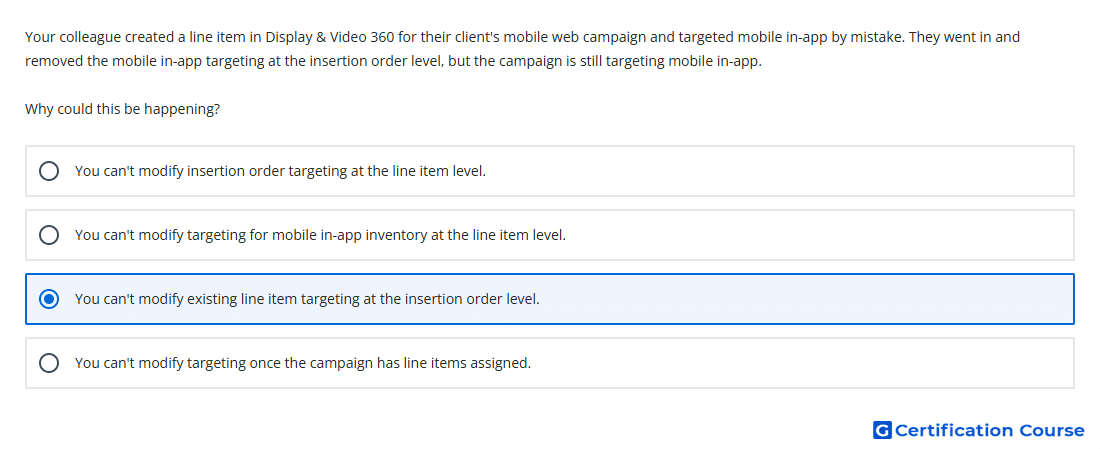
Question: Your colleague created a line item in Display & Video 360 for their client's mobile web campaign and targeted mobile in-app by mistake. They went in and removed the mobile in-app targeting at the insertion order level, but the campaign is still targeting mobile in-app. Why could this be happening?
- You can't modify targeting for mobile in-app inventory at the line item level.
- You can't modify existing line item targeting at the insertion order level.
- You can't modify targeting once the campaign has line items assigned.
- You can't modify insertion order targeting at the line item level.
Explanation
In Display & Video 360, targeting set at an insertion order can be inherited by line items created under it. After a line item already exists, changing insertion order targeting does not automatically update that existing line item’s targeting. The line item must be edited directly to remove the incorrect inventory targeting. This behavior explains why the campaign can continue serving against mobile in-app inventory even after the insertion order setting was changed.
Why the other options are incorrect
Campaign line items is incorrect because targeting can still be modified after line items are assigned.
Mobile in-app inventory is incorrect because inventory targeting can be changed at the line item level.
Insertion order targeting is incorrect because line item targeting can be edited separately from insertion order targeting.
Source for verification
https://support.google.com/displayvideo/answer/2696883
https://support.google.com/displayvideo/answer/3114676
The answer(s) to the question is highlighted in the BOLD text above. You can also find more questions and answers related to the exams on the "Display & Video 360" page.