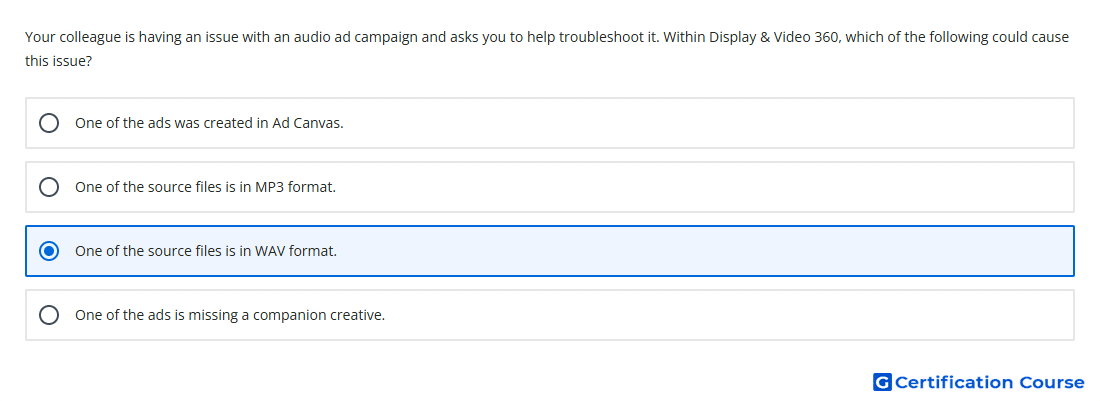
Question: Your colleague is having an issue with an audio ad campaign and asks you to help troubleshoot it. Within Display & Video 360, which of the following could cause this issue?
- One of the ads was created in Ad Canvas.
- One of the source files is in MP3 format.
- One of the source files is in WAV format.
- One of the ads is missing a companion creative.
Explanation
Audio creatives in Display & Video 360 require supported source file formats for proper upload and serving. Hosted audio creatives support .mp3 and .ogg files. A WAV source file is not listed as a supported audio file type, so it can cause upload or serving issues. Using supported formats helps ensure the creative can be processed into serving files for audio inventory.
Why the other options are incorrect
MP3 format is supported for hosted Audio creatives in Display & Video 360.
Missing companion creative is not necessarily an issue because companions are optional for audio creatives.
Ad Canvas can be used to preview audio creatives and does not by itself cause an audio campaign issue.
Source for verification
https://support.google.com/displayvideo/answer/7670534
https://support.google.com/displayvideo/answer/7670334
The answer(s) to the question is highlighted in the BOLD text above. You can also find more questions and answers related to the exams on the "Display & Video 360" page.