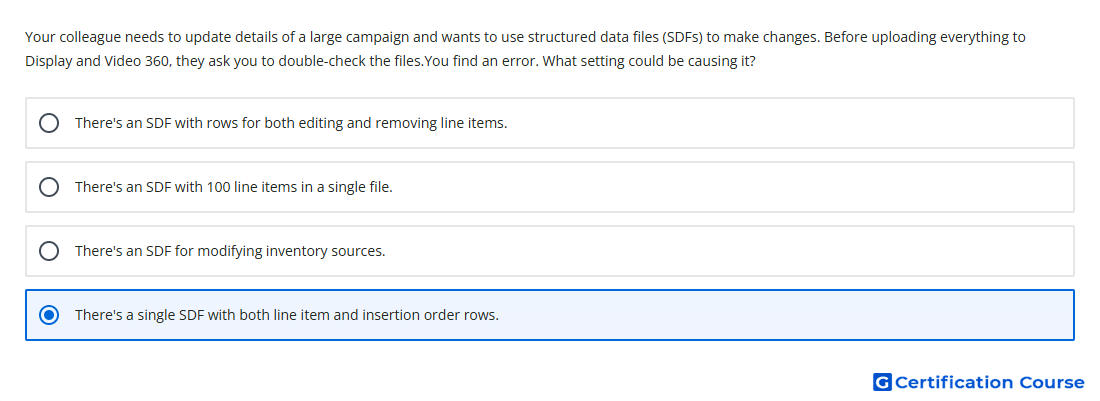
Question: Your colleague needs to update details of a large campaign and wants to use structured data files (SDFs) to make changes. Before uploading everything to Display and Video 360, they ask you to double-check the files.You find an error. What setting could be causing it?
- There's an SDF with rows for both editing and removing line items.
- There's an SDF for modifying inventory sources.
- There's a single SDF with both line item and insertion order rows.
- There's an SDF with 100 line items in a single file.
Explanation
Structured Data Files in Display & Video 360 must follow the required file structure for the entity type being edited. Each uploaded file is expected to match the correct SDF format and schema. Mixing different entity row types in one file can cause validation errors because columns and required fields differ by entity. Separate files should be used when editing different campaign entity types.
Why the other options are incorrect
Inventory sources can be managed with supported Structured Data Files.
100 line items is not an error by itself because SDFs are intended for bulk edits.
Editing and removing rows can be valid when the action fields are formatted correctly.
Source for verification
https://support.google.com/displayvideo/answer/6301070
The answer(s) to the question is highlighted in the BOLD text above. You can also find more questions and answers related to the exams on the "Display & Video 360" page.