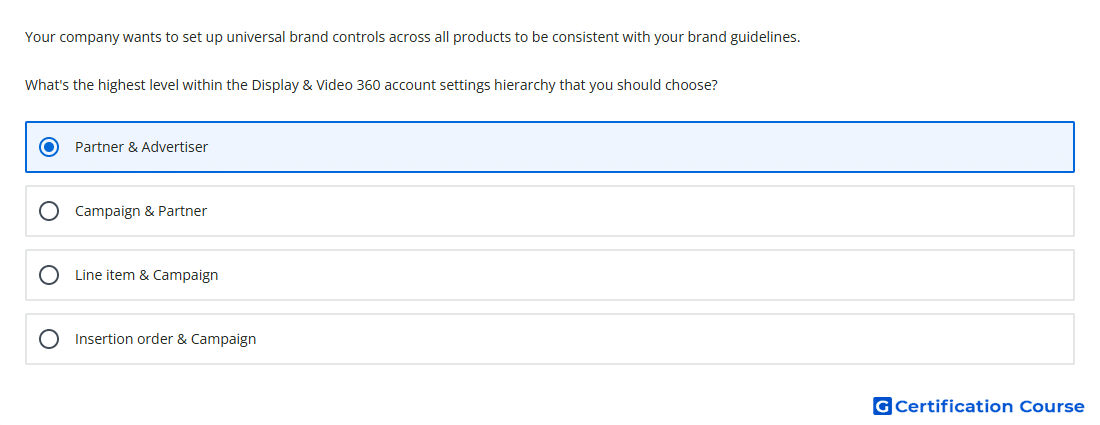
Question: Your company wants to set up universal brand controls across all products to be consistent with your brand guidelines. What's the highest level within the Display & Video 360 account settings hierarchy that you should choose?
- Partner & Advertiser
- Line item & Campaign
- Campaign & Partner
- Insertion order & Campaign
Explanation
Universal brand suitability settings should be applied at the highest available account levels so they can govern multiple lower-level entities consistently. In Display & Video 360, Brand Controls are managed at the advertiser level for active coverage across line items and YouTube ad groups. Some inventory quality controls can also be set at the Partner level and inherited by lower entities. This hierarchy supports consistent brand guidelines before campaign, insertion order, or line item settings are applied.
Why the other options are incorrect
Line item & Campaign is too low in the hierarchy for universal brand control governance.
Campaign & Partner misses the advertiser-level controls used for brand safety coverage.
Insertion order & Campaign applies below the broader account-level controls.
Source for verification
https://support.google.com/displayvideo/answer/9179543
https://support.google.com/displayvideo/answer/7509551
The answer(s) to the question is highlighted in the BOLD text above. You can also find more questions and answers related to the exams on the "Display & Video 360" page.