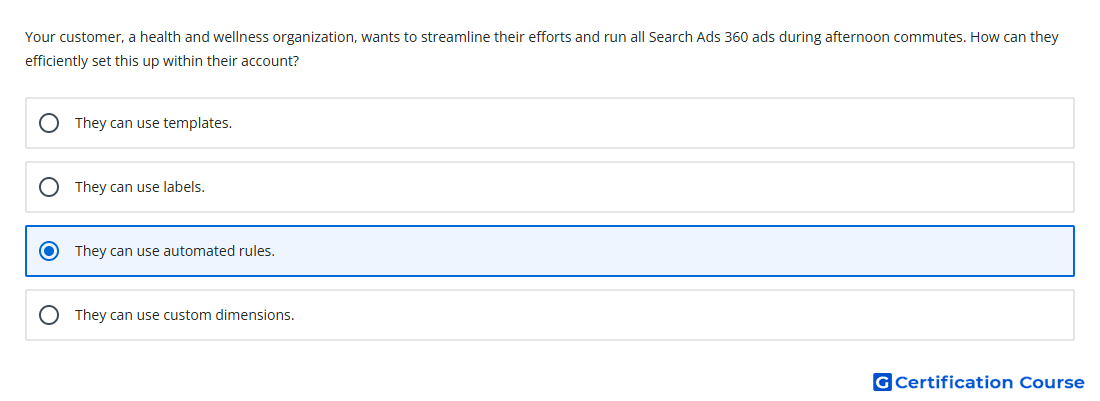
Question: Your customer, a health and wellness organization, wants to streamline their efforts and run all Search Ads 360 ads during afternoon commutes. How can they efficiently set this up within their account?
- They can use custom dimensions.
- They can use templates.
- They can use automated rules.
- They can use labels.
Explanation
Automated rules let Search Ads 360 make scheduled changes based on defined settings and conditions. They can be used to schedule ads to appear at specific times of day. This fits an afternoon commute strategy because ad serving can be controlled automatically instead of updated manually each day. The feature is designed to streamline repeated account actions such as changing ad status, budgets, or bids.
Why the other options are incorrect
Labels organize account items, but they do not automatically schedule ads by time of day.
Templates automate campaign creation and updates from structured data, not daily ad scheduling.
Custom dimensions support reporting by business-specific categories, not automated ad serving schedules.
Source for verification
https://support.google.com/sa360/answer/9545639?hl=en
https://support.google.com/sa360/answer/9517977?hl=en
The answer(s) to the question is highlighted in the BOLD text above. You can also find more questions and answers related to the exams on the "Search Ads 360" page.