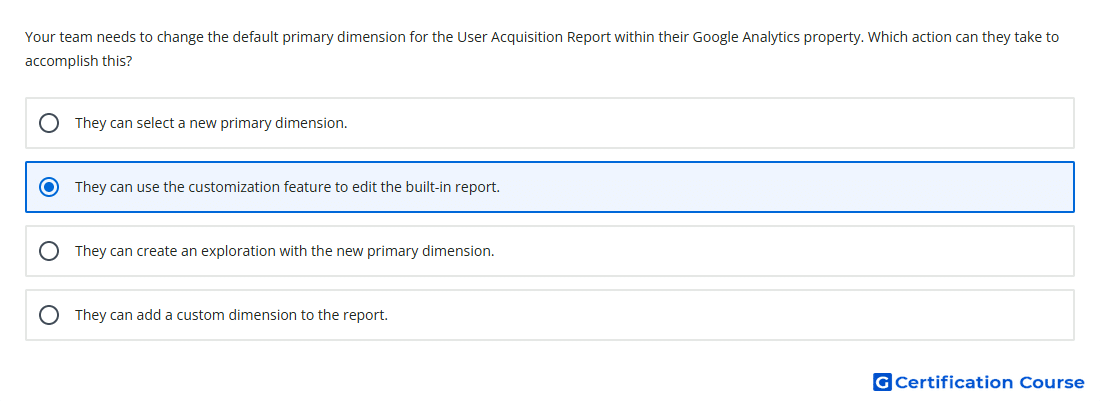
Question: Your team needs to change the default primary dimension for the User Acquisition Report within their Google Analytics property. Which action can they take to accomplish this?
- They can use the customization feature to edit the built-in report.
- They can create an exploration with the new primary dimension.
- They can add a custom dimension to the report.
- They can select a new primary dimension.
Explanation
The User acquisition report is a built-in detail report, so changing its default primary dimension requires report customization. In Google Analytics 4, report customization lets an editor adjust dimensions, metrics, charts, and report cards for built-in reports. After the report is customized, it can be saved so the selected dimension appears as the report default. This change affects the report experience in the Reports section rather than creating a separate analysis.
Why the other options are incorrect
Select a new primary dimension changes the current view temporarily, but it does not change the report default.
Custom dimension adds a new reporting attribute, but it does not by itself change the default primary dimension.
Exploration creates a separate custom analysis, not a change to the built-in User acquisition report.
Source for verification
https://support.google.com/analytics/answer/10445879
https://support.google.com/analytics/answer/12937866
The answer(s) to the question is highlighted in the BOLD text above. You can also find more questions and answers related to the exams on the "Google Analytics Certification" page.