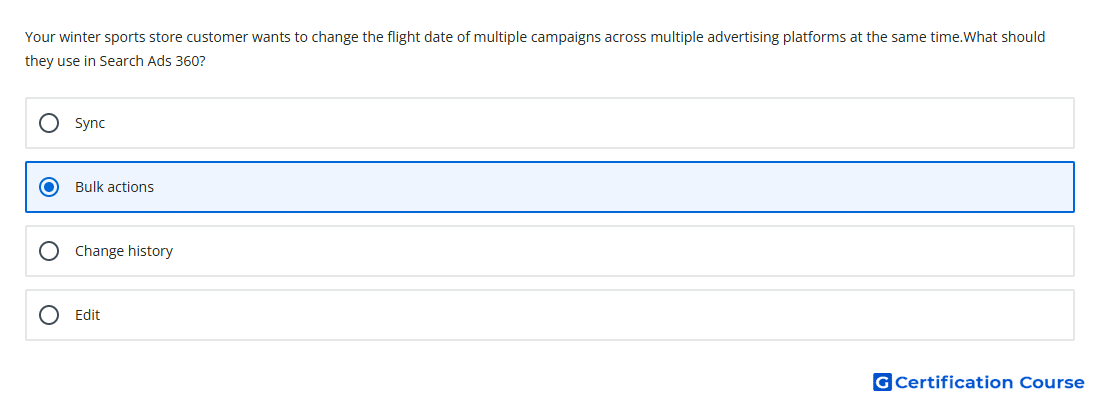
Question: Your winter sports store customer wants to change the flight date of multiple campaigns across multiple advertising platforms at the same time.What should they use in Search Ads 360?
- Bulk actions
- Edit
- Change history
- Sync
Explanation
Bulk actions in Search Ads 360 are used to make changes to multiple items at the same time. They can apply edits across campaigns and advertising platforms, which fits a need to update flight dates at scale. This saves time compared with opening and editing each campaign separately. Bulk editing is designed for repeated or large account-management updates.
Why the other options are incorrect
Change history records past changes, but it does not apply new edits across campaigns.
Edit is too general and does not identify the bulk workflow needed for multiple campaigns across platforms.
Sync brings external platform changes into Search Ads 360, but it is not used to apply campaign date changes in bulk.
Source for verification
https://support.google.com/sa360/answer/13681601?hl=en
https://support.google.com/sa360/answer/9522333?hl=en
The answer(s) to the question is highlighted in the BOLD text above. You can also find more questions and answers related to the exams on the "Search Ads 360" page.