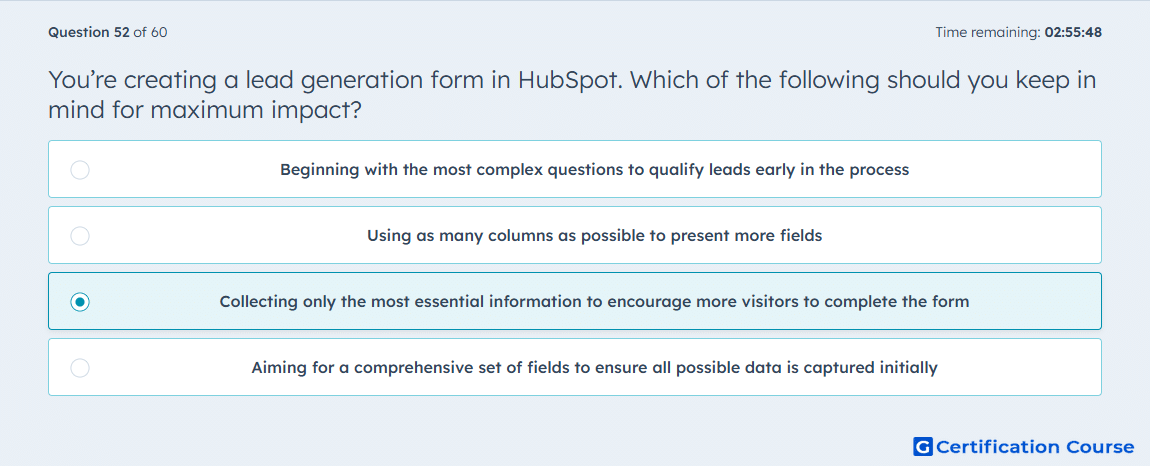
Question: You’re creating a lead generation form in HubSpot. Which of the following should you keep in mind for maximum impact?
- Beginning with the most complex questions to qualify leads early in the process
- Using as many columns as possible to present more fields
- Collecting only the most essential information to encourage more visitors to complete the form
- Aiming for a comprehensive set of fields to ensure all possible data is captured initially
Explanation
HubSpot Forms should ask only for the information needed for the current conversion step. HubSpot’s guidance on progressive fields says more information can be collected over time without asking for too much before trust is built. HubSpot also supports form shortening, which reduces the number of fields a visitor needs to complete by showing only what is still needed. Because fewer fields reduce friction while still allowing later enrichment and gradual data collection, collecting only essential information has the strongest impact on form completion. HubSpot Knowledge Base+2HubSpot Knowledge Base+2
Why the other options are incorrect
A) Starting with the most complex questions increases friction and conflicts with HubSpot guidance to avoid asking for too much information before trust is built. HubSpot Knowledge Base
B) Using as many columns as possible does not improve conversion, and HubSpot’s form guidance focuses on reducing visitor effort rather than increasing field density. HubSpot Knowledge Base+1
D) Trying to capture all possible data upfront conflicts with HubSpot’s approach of gradual data collection through progressive fields and form shortening. HubSpot Knowledge Base+1
Source for verification
HubSpot Knowledge Base: Use progressive fields in forms. HubSpot Knowledge Base
HubSpot Knowledge Base: Use form shortening. HubSpot Knowledge Base+1
The answer(s) to the question is highlighted in the BOLD text above. You can also find more questions and answers related to the exams on the "HubSpot Marketing Hub Software Certification" page.