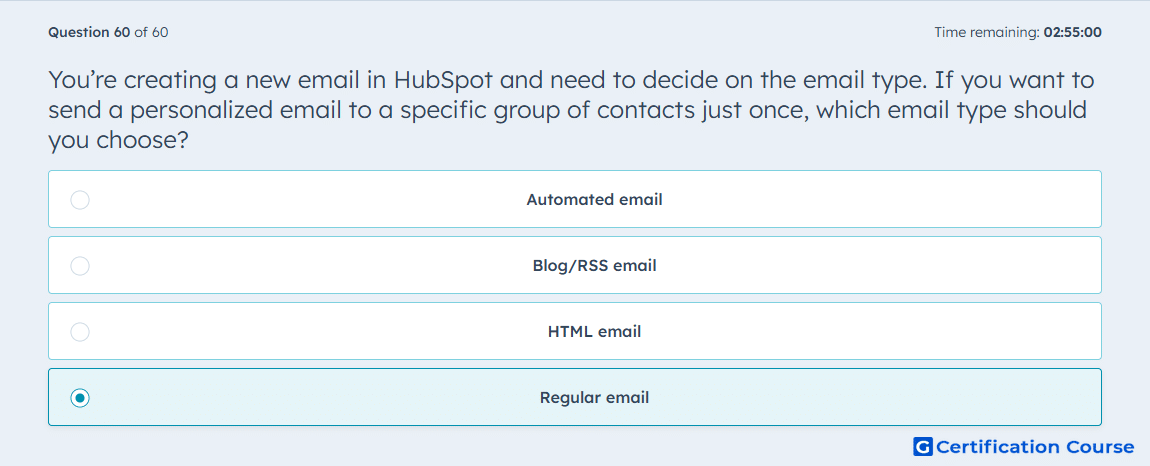
Question: You’re creating a new email in HubSpot and need to decide on the email type. If you want to send a personalized email to a specific group of contacts just once, which email type should you choose?
- Automated email
- Blog/RSS email
- HTML email
- Regular email
Explanation
A regular email in HubSpot is the one-time send option for a selected audience, which makes it the correct choice for sending a personalized email to a specific group of contacts just once. HubSpot separates regular email from automated email, which is used inside workflows for trigger-based sending. HubSpot also defines Blog/RSS email as the type that sends updates to blog or RSS subscribers when new content is published. Because the goal is a one-time send to a chosen group, regular email is the correct email type.
Why the other options are incorrect
Automated email This type is designed for workflow-based sending after a trigger or enrollment event, not for a one-time manual send to a selected audience.
Blog/RSS email This type is used for blog or RSS subscriber notifications tied to new published content, not for a one-time personalized campaign.
HTML email HubSpot’s official email-type choices include regular email, automated email, and Blog/RSS email, so this is not the correct type for this use case.
Source for verification
https://knowledge.hubspot.com/marketing-email/create-and-send-marketing-emails
https://knowledge.hubspot.com/marketing-email/create-automated-emails-to-use-in-workflows
The answer(s) to the question is highlighted in the BOLD text above. You can also find more questions and answers related to the exams on the "HubSpot Marketing Hub Software Certification" page.