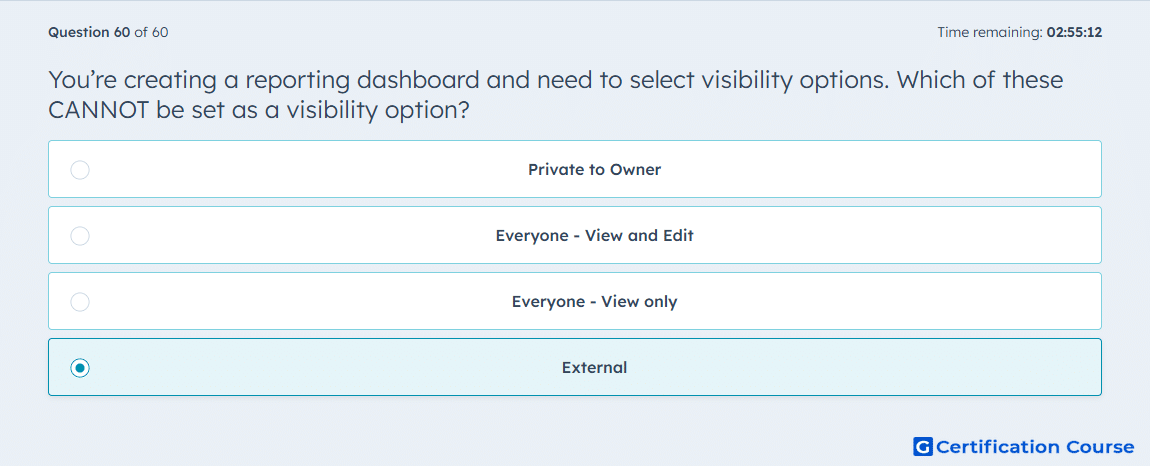
Question: You’re creating a reporting dashboard and need to select visibility options. Which of these CANNOT be set as a visibility option?
- Private to Owner
- Everyone - View and Edit
- Everyone - View only
- External
Explanation
HubSpot dashboard visibility options include Private to Owner, Everyone – View and Edit, and Everyone – View only, allowing teams to control access internally. External visibility is not supported, as dashboards cannot be shared outside the HubSpot account. This ensures data remains secure within the organization and complies with internal access controls.
Why the other options are incorrect
Private to Owner is a valid internal visibility option.
Everyone – View and Edit is valid for full team access.
Everyone – View only is valid for read-only access across the team.
Source for verification
HubSpot Knowledge Base – Set dashboard visibility
The answer(s) to the question is highlighted in the BOLD text above. You can also find more questions and answers related to the exams on the "HubSpot Sales Hub Software" page.