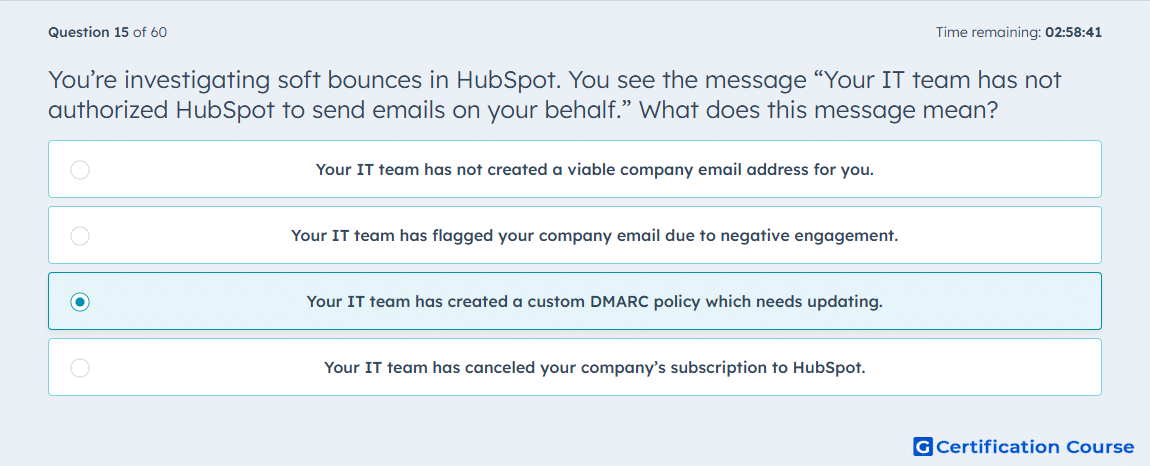
Question: You’re investigating soft bounces in HubSpot. You see the message “Your IT team has not authorized HubSpot to send emails on your behalf.” What does this message mean?
- Your IT team has not created a viable company email address for you.
- Your IT team has flagged your company email due to negative engagement.
- Your IT team has created a custom DMARC policy which needs updating.
- Your IT team has canceled your company’s subscription to HubSpot.
Explanation
This HubSpot soft bounce message points to a sender authentication issue, not a contact-level delivery problem. The receiving server is rejecting the email because the sending domain’s DMARC policy does not authorize HubSpot as an approved sender. Updating email authentication allows HubSpot to send on behalf of the domain correctly. This issue should be handled by the organization’s IT or domain administrator.
Why the other options are incorrect
Company email address is incorrect because the issue is domain authorization, not whether the sender address exists.
Negative engagement is incorrect because the message relates to authentication, not recipient behavior.
HubSpot subscription is incorrect because account billing status is unrelated to this bounce reason.
Source for verification
The answer(s) to the question is highlighted in the BOLD text above. You can also find more questions and answers related to the exams on the "HubSpot Email Marketing Software" page.