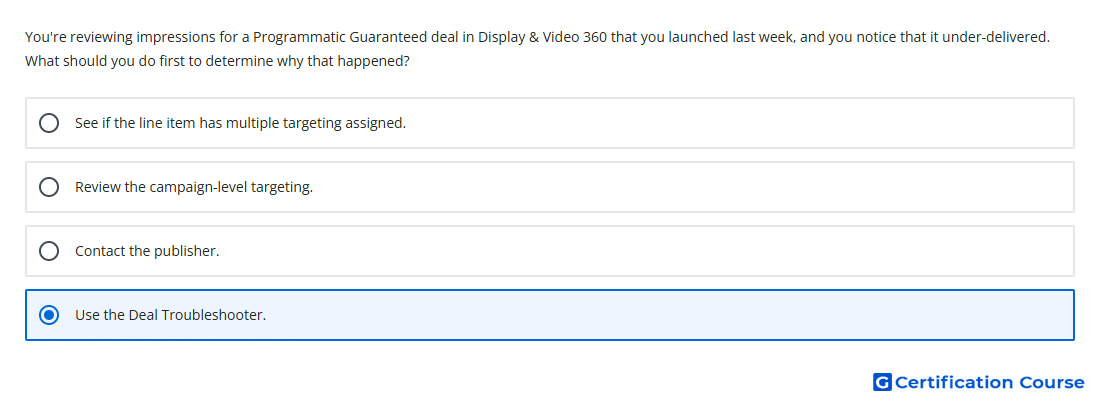
Question: You're reviewing impressions for a Programmatic Guaranteed deal in Display & Video 360 that you launched last week, and you notice that it under-delivered. What should you do first to determine why that happened?
- See if the line item has multiple targeting assigned.
- Review the campaign-level targeting.
- Use the Deal Troubleshooter.
- Contact the publisher.
Explanation
Deal Troubleshooter is the first tool to use when a Programmatic Guaranteed deal under-delivers in Display & Video 360. It shows why a deal is not spending and identifies where impression availability was lost. The tool can separate issues related to the deal, line item eligibility, targeting, creatives, and winning available inventory. This makes it the most direct starting point before changing settings or escalating to the publisher.
Why the other options are incorrect
Contact the publisher should come after checking available delivery diagnostics in Display & Video 360.
Multiple targeting may restrict delivery, but it is only one possible cause shown through troubleshooting.
Campaign-level targeting may affect eligibility, but it does not provide the full deal-level diagnostic view.
Source for verification
https://support.google.com/displayvideo/answer/6292894
https://support.google.com/displayvideo/answer/7067656
The answer(s) to the question is highlighted in the BOLD text above. You can also find more questions and answers related to the exams on the "Display & Video 360" page.