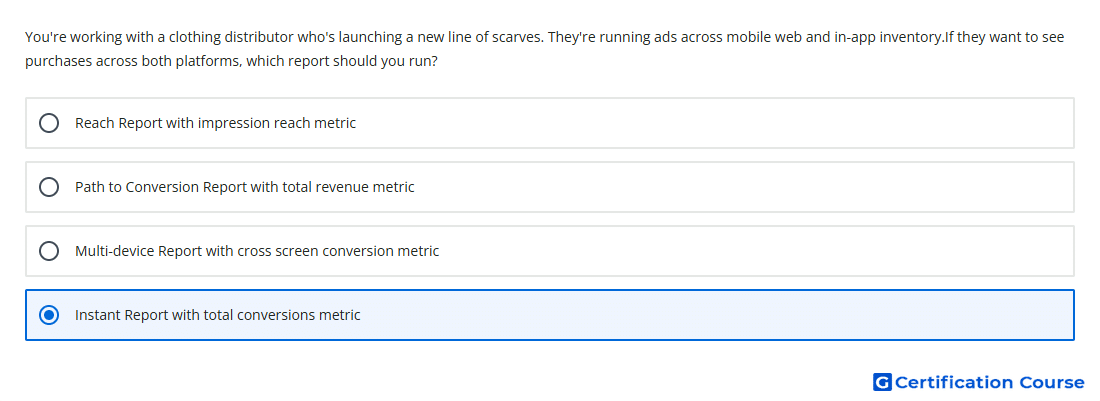
Question: You're working with a clothing distributor who's launching a new line of scarves. They're running ads across mobile web and in-app inventory.If they want to see purchases across both platforms, which report should you run?
- Reach Report with impression reach metric
- Multi-device Report with cross screen conversion metric
- Path to Conversion Report with total revenue metric
- Instant Report with total conversions metric
Explanation
Instant reporting is designed for quick performance analysis using common dimensions and metrics. Total Conversions is the relevant conversion metric for viewing purchase activity attributed to the campaign. Because mobile web and in-app delivery can both be included in Campaign Manager 360 reporting, this metric can show purchase totals across those environments when the report is configured with the appropriate filters or dimensions. This focuses on conversion volume rather than reach, revenue pathing, or cross-device attribution.
Why the other options are incorrect
Multi-device Report is used for cross-device behavior, not general purchase totals across mobile web and app inventory.
Path to Conversion Report shows the sequence of ad exposures before conversion, not the most direct purchase total view.
Reach Report measures unique reach and impression reach, not purchases.
Source for verification
https://support.google.com/campaignmanager/answer/7674615
https://support.google.com/campaignmanager/answer/15856713
The answer(s) to the question is highlighted in the BOLD text above. You can also find more questions and answers related to the exams on the "Campaign manager 360 Certification" page.