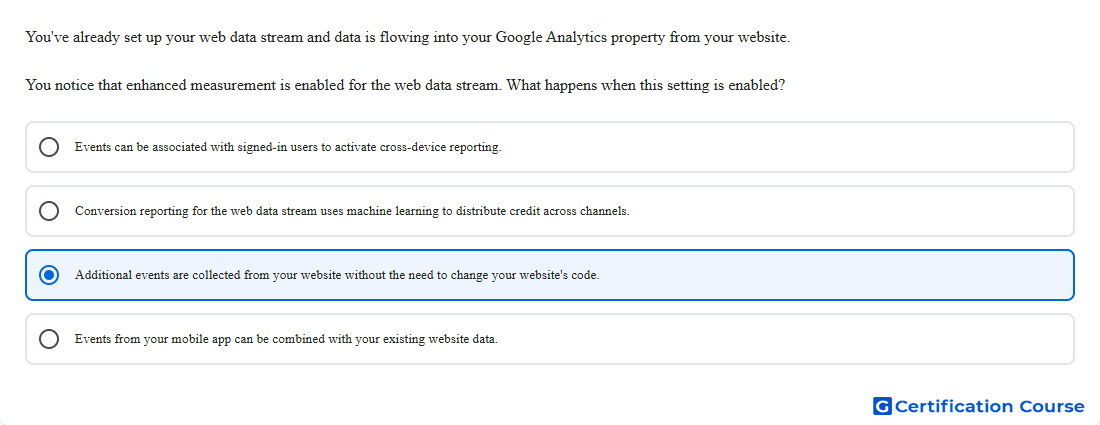
Question: You've already set up your web data stream and data is flowing into your Google Analytics property from your website. You notice that enhanced measurement is enabled for the web data stream. What happens when this setting is enabled?
- Events can be associated with signed-in users to activate cross-device reporting.
- Additional events are collected from your website without the need to change your website's code.
- Events from your mobile app can be combined with your existing website data.
- Conversion reporting for the web data stream uses machine learning to distribute credit across channels.
Explanation
Enhanced measurement automatically collects additional website interactions when it is enabled for a web data stream. These interactions are collected as events without requiring new tagging for each supported interaction. Examples include page views, scrolls, outbound clicks, site search, video engagement, and file downloads. This setting helps expand behavioral measurement from a website with minimal implementation work.
Why the other options are incorrect
Cross-device reporting is incorrect because associating activity with signed-in users requires identity features such as User-ID.
Conversion attribution is incorrect because attribution modeling is separate from enhanced measurement event collection.
App data combination is incorrect because app data comes from app data streams, not from enhanced measurement on a web stream.
Source for verification
https://support.google.com/analytics/answer/9216061
The answer(s) to the question is highlighted in the BOLD text above. You can also find more questions and answers related to the exams on the "Google Analytics Certification" page.