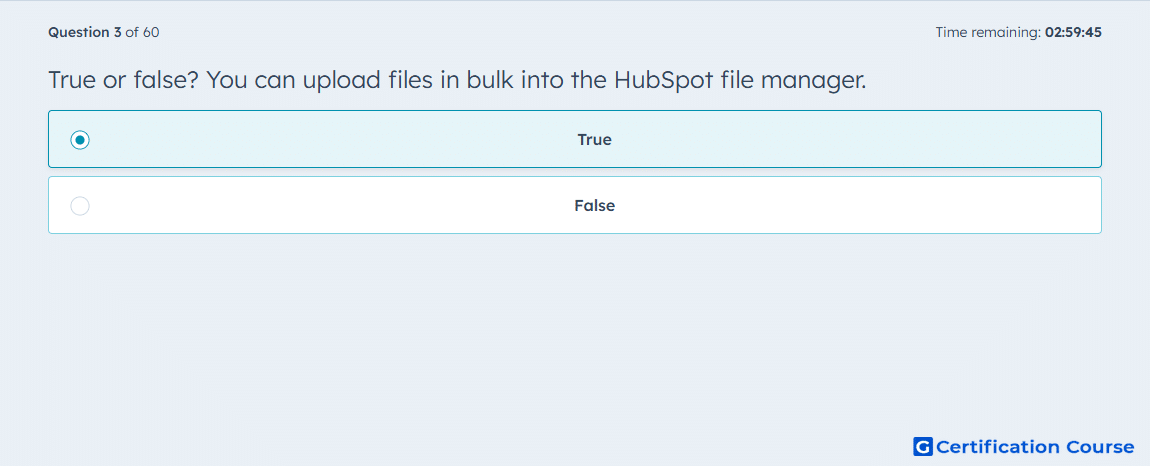
Question: True or false? You can upload files in bulk into the HubSpot file manager.
- True
- False
Explanation
HubSpot’s files tool supports uploading more than one file in a single action, so bulk upload is available. The documented upload flow says to click Upload files, select files from the computer, and then complete the upload, which reflects multi-file selection rather than a one-at-a-time process. This behavior fits normal asset management in Content Hub, where teams often add several content files at once. HubSpot also documents bulk actions inside the files tool, which reinforces that the tool is designed to work with multiple files efficiently. HubSpot Knowledge Base+1
Why the other options are incorrect
B) HubSpot documentation states that multiple files can be selected and uploaded through the files tool, so this does not match the platform behavior. HubSpot Knowledge Base
Source for verification
Upload files to use in your HubSpot content: HubSpot Knowledge Base
Manage your files: HubSpot Knowledge Base
The answer(s) to the question is highlighted in the BOLD text above. You can also find more questions and answers related to the exams on the "HubSpot Content Hub For Marketers" page.