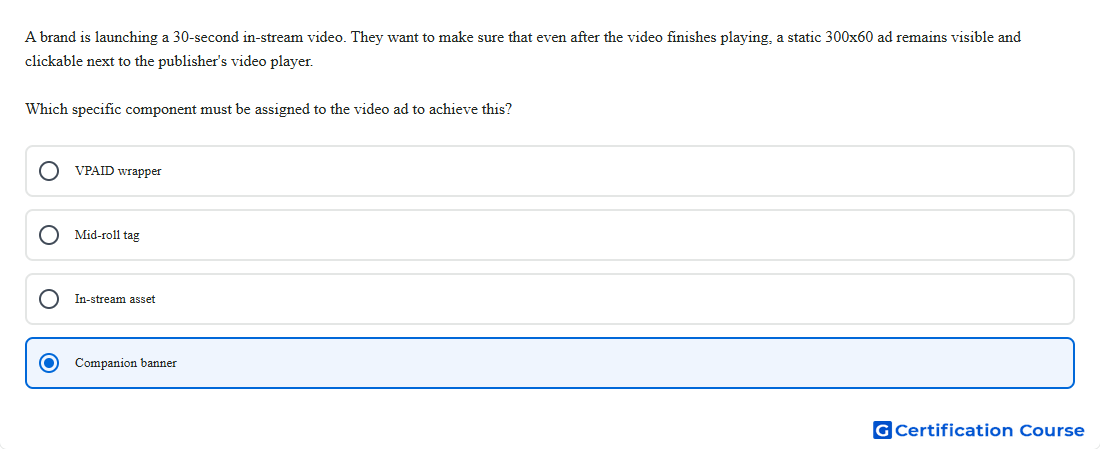
Question: A brand is launching a 30-second in-stream video. They want to make sure that even after the video finishes playing, a static 300x60 ad remains visible and clickable next to the publisher's video player. Which specific component must be assigned to the video ad to achieve this?
- Mid-roll tag
- VPAID wrapper
- In-stream asset
- Companion banner
Explanation
A companion banner is a display creative that serves alongside an in-stream video ad in a companion slot. It can remain visible near the video player while the primary video asset plays or after playback, depending on the publisher player implementation. In Campaign Manager 360, companion creatives are assigned through in-stream video setup so the VAST response can include them. This is the correct component for keeping a static clickable display unit next to the video experience.
Why the other options are incorrect
VPAID wrapper supports interactive or measurement behavior and does not create a static companion slot.
Mid-roll tag controls video ad timing within content, not a persistent display unit next to the player.
In-stream asset is the primary video file, not the accompanying static banner.
Source for verification
https://support.google.com/campaignmanager/answer/3311603?hl=en
https://support.google.com/campaignmanager/answer/7173678?hl=en
The answer(s) to the question is highlighted in the BOLD text above. You can also find more questions and answers related to the exams on the "Campaign manager 360 Certification" page.