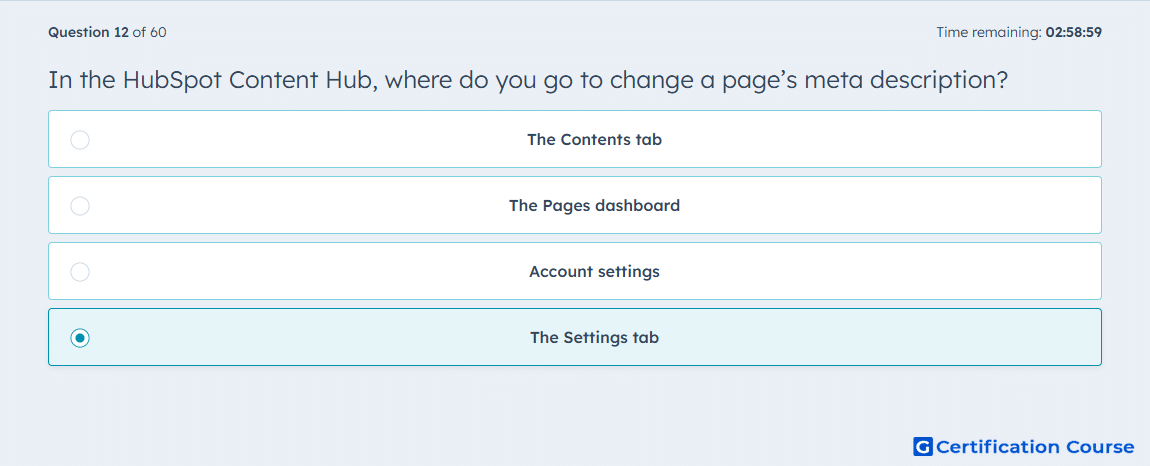
Question: In the HubSpot Content Hub, where do you go to change a page’s meta description?
- The Contents tab
- The Pages dashboard
- Account settings
- The Settings tab
Explanation
HubSpot places the meta description in the page-level Settings dialog inside the content editor. That same panel contains other core page attributes such as the internal page name, page title, and page URL, which shows that this field belongs to page configuration rather than page body content. HubSpot’s documentation instructs users to open the page in the editor and click Settings in the top-right corner before editing this field. This makes the location part of the page’s settings workflow for SEO-related attributes. HubSpot Knowledge Base+1
Why the other options are incorrect
The Contents tab handles page content elements, not the page-level meta description field. HubSpot Knowledge Base
The Pages dashboard is used to access and open pages, not to edit the meta description directly. HubSpot Knowledge Base
Account settings controls broader account configuration, not individual page attributes inside the content editor. HubSpot Knowledge Base
Source for verification
https://knowledge.hubspot.com/website-and-landing-pages/create-and-customize-pages
https://knowledge.hubspot.com/seo/understand-seo-recommendations
The answer(s) to the question is highlighted in the BOLD text above. You can also find more questions and answers related to the exams on the "HubSpot Content Hub For Marketers" page.