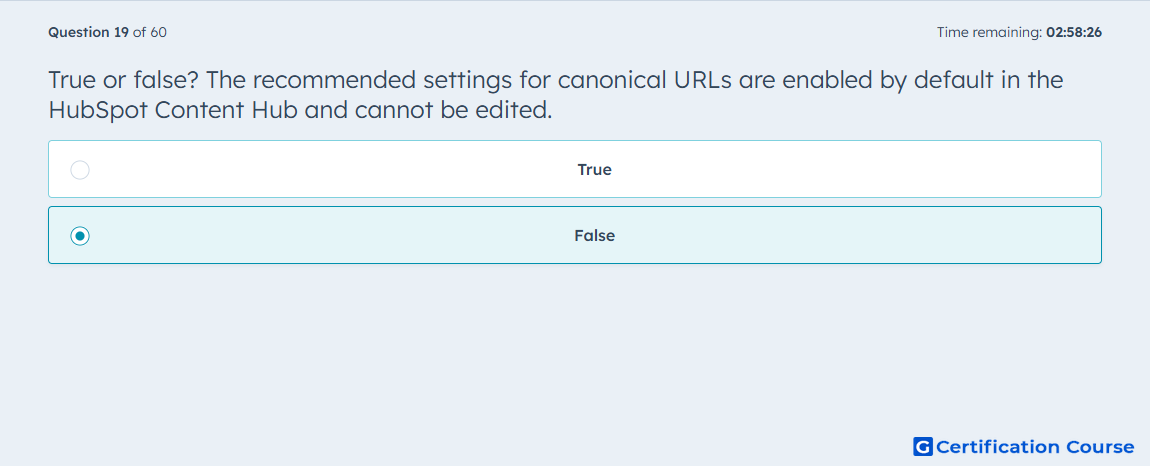
Question: True or false? The recommended settings for canonical URLs are enabled by default in the HubSpot Content Hub and cannot be edited.
- True
- False
Explanation
In HubSpot, the default canonical URL behavior for new pages and blog posts is enabled automatically, but HubSpot also states that those default settings can be changed in SEO & Crawlers. HubSpot Knowledge Base+1 HubSpot also allows a manual override for an individual page or post through the Customize canonical URL field in Settings > Advanced. HubSpot Knowledge Base+1 HubSpot says that a manually added or edited canonical URL takes priority over the broader canonical URL settings. HubSpot Knowledge Base Because the defaults are editable, the statement is false. HubSpot Knowledge Base+1
Why the other options are incorrect
A) HubSpot explicitly says the default canonical setting can be changed and that individual pages or posts can also have a custom canonical URL. HubSpot Knowledge Base+2HubSpot Knowledge Base+2
Source for verification
https://knowledge.hubspot.com/seo/set-canonical-urls-for-duplicate-content
https://knowledge.hubspot.com/website-and-landing-pages/create-and-customize-pages
The answer(s) to the question is highlighted in the BOLD text above. You can also find more questions and answers related to the exams on the "HubSpot Content Hub For Marketers" page.