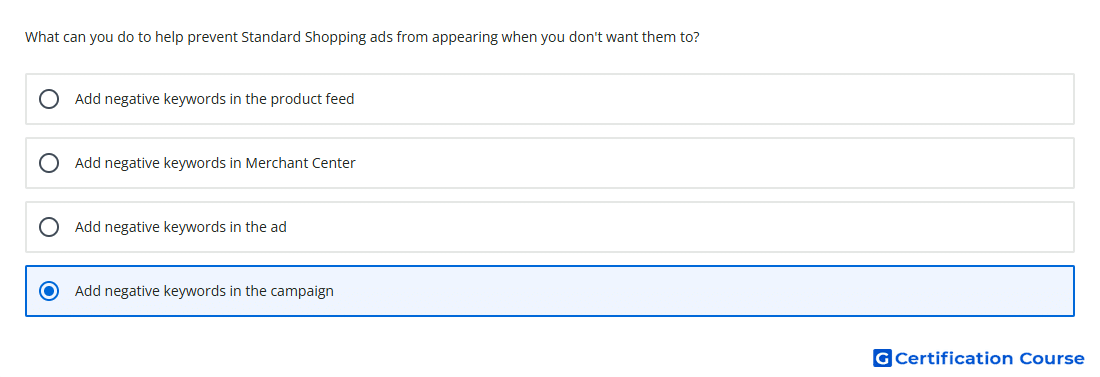
Question: What can you do to help prevent Standard Shopping ads from appearing when you don't want them to?
- Add negative keywords in the campaign
- Add negative keywords in Merchant Center
- Add negative keywords in the product feed
- Add negative keywords in the ad
Explanation
Negative keywords help prevent Standard Shopping ads from showing for searches that are not relevant to the products being promoted. Shopping campaigns do not use keywords for targeting, but negative keywords can still be added to exclude unwanted search terms. These exclusions are managed in Google Ads at the campaign or ad group level. Adding them at the campaign level helps control when Shopping ads should not appear.
Why the other options are incorrect
In the ad is incorrect because Shopping ads are generated from product data, not edited with negative keywords inside the ad.
Merchant Center is incorrect because negative keywords are managed in Google Ads, not Merchant Center.
Product feed is incorrect because product feeds contain product data attributes, not campaign-level keyword exclusions.
Source for verification
https://support.google.com/google-ads/answer/6275313
https://support.google.com/google-ads/answer/2453972
The answer(s) to the question is highlighted in the BOLD text above. You can also find more questions and answers related to the exams on the "AI-Powered Shopping ads Certification" page.