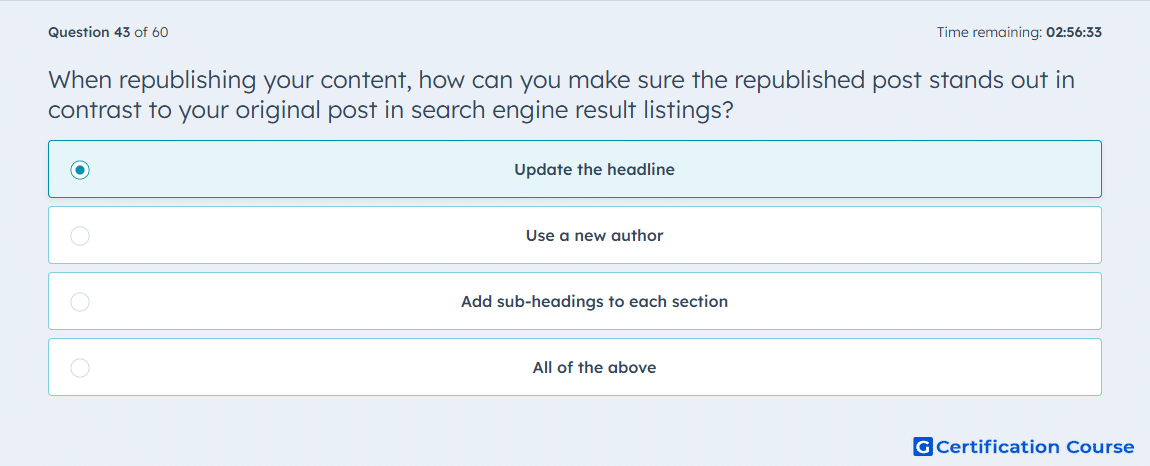
Question: When republishing your content, how can you make sure the republished post stands out in contrast to your original post in search engine result listings?
- Update the headline
- Use a new author
- Add sub-headings to each section
- All of the above
Explanation
Updating the headline is the best choice because HubSpot shows that the post title can control what appears in search results. The Page title is the version of the title used in the browser title bar and search results, so changing it helps the republished version look different from the original. HubSpot also separates the on-page Blog title from the search-facing Page title, which makes title changes the most direct way to affect result listings. That is why a headline update is the clearest way to create contrast at the search result level. HubSpot Knowledge Base
Why the other options are incorrect
B) Use a new author Author changes do not control the Page title shown in search results. HubSpot Knowledge Base
C) Add sub-headings to each section Sub-headings help structure the post, but HubSpot identifies the Page title as the field tied to search results. HubSpot Knowledge Base
D) All of the above This is incorrect because the search-result distinction comes from the Page title, not from every listed change. HubSpot Knowledge Base
Source for verification
https://knowledge.hubspot.com/blog/create-and-publish-blog-posts
The answer(s) to the question is highlighted in the BOLD text above. You can also find more questions and answers related to the exams on the "HubSpot Content Marketing Certification" page.