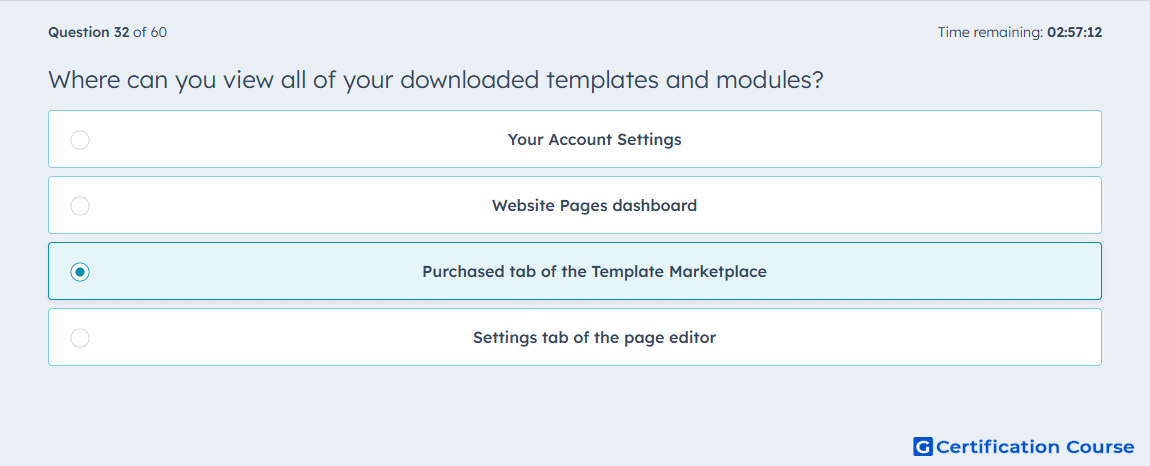
Question: Where can you view all of your downloaded templates and modules?
- Your Account Settings
- Website Pages dashboard
- Purchased tab of the Template Marketplace
- Settings tab of the page editor
Explanation
HubSpot stores downloaded marketplace assets in the Template Marketplace area used for assets you have already acquired. Current HubSpot documentation refers to this area as Marketplace Downloads, where installed marketplace assets are organized under Themes and Modules tabs. That is the functional equivalent of the course-era Purchased tab and is where downloaded templates and modules are viewed and managed. It is a marketplace management location, not a page editing or account configuration area. HubSpot Knowledge Base+1
Why the other options are incorrect
Your Account Settings This area controls account-level configuration and permissions, not the marketplace library of downloaded templates and modules. HubSpot Knowledge Base+1
Website Pages dashboard This dashboard is for creating and managing page content, while marketplace assets are viewed from the marketplace downloads area. HubSpot Knowledge Base+1
Settings tab of the page editor This tab manages settings for a specific page, not downloaded marketplace assets across the account. HubSpot Knowledge Base+1
Source for verification
HubSpot Knowledge Base: Purchasing templates and modules | Frequently Asked Questions HubSpot Knowledge Base
HubSpot Knowledge Base: Use themes HubSpot Knowledge Base
The answer(s) to the question is highlighted in the BOLD text above. You can also find more questions and answers related to the exams on the "HubSpot Content Hub For Marketers" page.