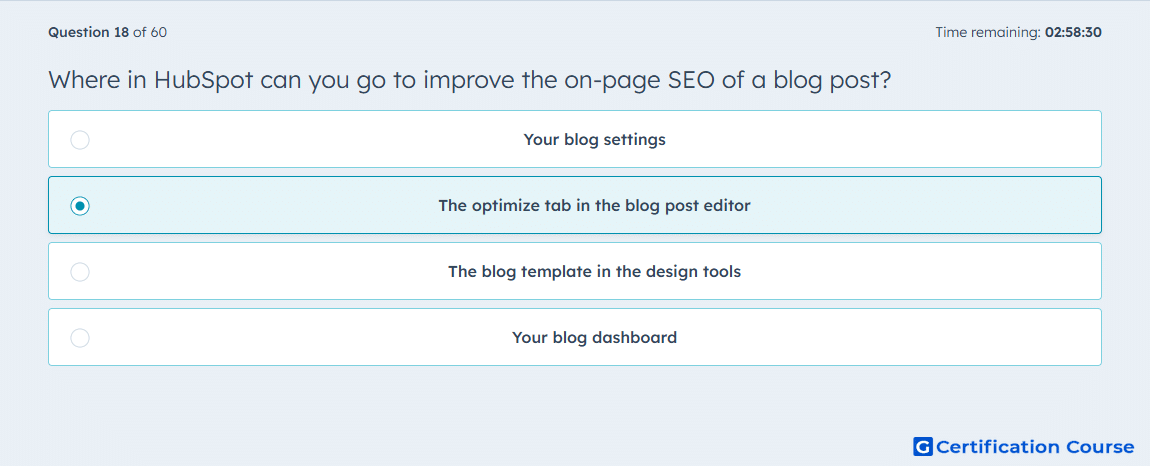
Question: Where in HubSpot can you go to improve the on-page SEO of a blog post?
- Your blog settings
- The optimize tab in the blog post editor
- The blog template in the design tools
- Your blog dashboard
Explanation
In HubSpot, on-page SEO recommendations for a post are managed inside the editing workspace, not in account-level or template-level tools. The left sidebar’s Optimize panel is where HubSpot surfaces search-focused checks and topic-related guidance for that specific post. This setup keeps optimization connected to the content itself, so changes can be made while editing. Because the recommendations are tied to an individual post, HubSpot places them in the editor rather than in broader blog management areas.
Why the other options are incorrect
Your blog settings controls blog-wide configuration, not the search optimization review for an individual post.
The blog template in the design tools manages layout and coded structure, not post-specific SEO recommendations.
Your blog dashboard is used to manage and access posts, but it does not contain the in-editor optimization panel for a single post.
Source for verification
https://knowledge.hubspot.com/blog/create-and-publish-blog-posts
https://knowledge.hubspot.com/seo/view-seo-recommendations-in-hubspot
The answer(s) to the question is highlighted in the BOLD text above. You can also find more questions and answers related to the exams on the "HubSpot Content Hub For Marketers" page.