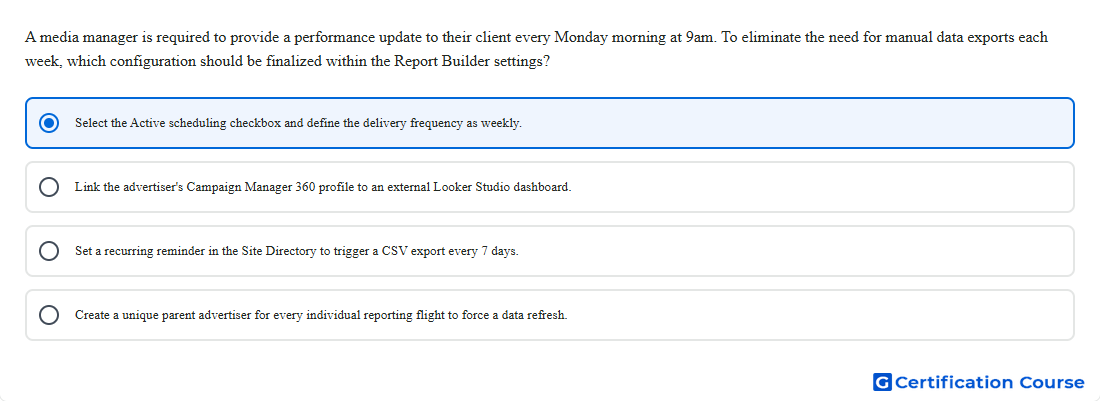
Question: A media manager is required to provide a performance update to their client every Monday morning at 9am. To eliminate the need for manual data exports each week, which configuration should be finalized within the Report Builder settings?
- Link the advertiser's Campaign Manager 360 profile to an external Looker Studio dashboard.
- Select the Active scheduling checkbox and define the delivery frequency as weekly.
- Set a recurring reminder in the Site Directory to trigger a CSV export every 7 days.
- Create a unique parent advertiser for every individual reporting flight to force a data refresh.
Explanation
Report Builder supports scheduled report delivery when scheduling is active. Setting the report schedule to weekly allows the report to run and deliver automatically on the required cadence. This removes the need to manually export the same performance data every Monday. The schedule configuration controls recurrence, delivery timing, and report file generation.
Why the other options are incorrect
Looker Studio can visualize reporting data but does not replace the scheduled report configuration in Report Builder.
Site Directory manages site records and does not trigger recurring CSV exports.
Parent advertiser structure is unrelated to weekly report scheduling or data refresh.
Source for verification
https://support.google.com/campaignmanager/answer/7674615?hl=en
The answer(s) to the question is highlighted in the BOLD text above. You can also find more questions and answers related to the exams on the "Campaign manager 360 Certification" page.