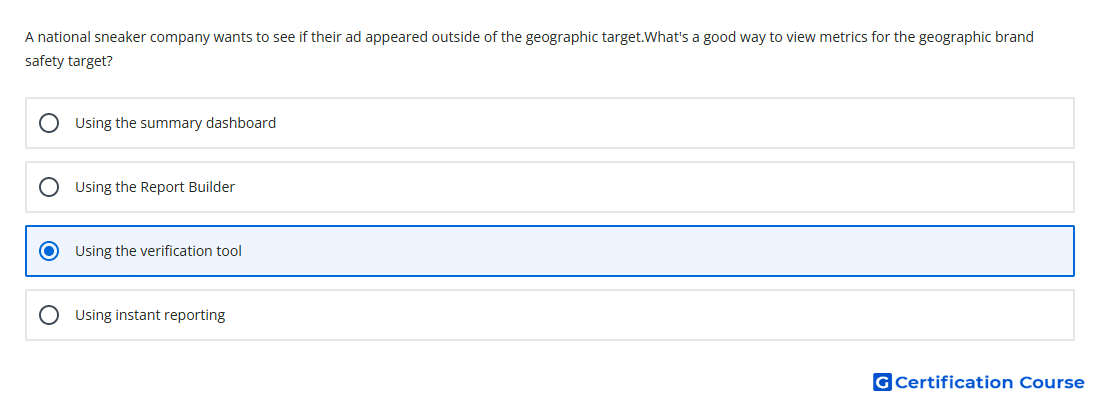
Question: A national sneaker company wants to see if their ad appeared outside of the geographic target.What's a good way to view metrics for the geographic brand safety target?
- Using instant reporting
- Using the Report Builder
- Using the verification tool
- Using the summary dashboard
Explanation
Verification reports whether ad delivery matched brand safety and trafficking settings. It provides quick statistics for geo-targeting, including delivery outside the intended geographic target. This view is designed to diagnose where ads served, not just summarize performance. It also supports checking default ad rates, domains, URLs, and content classification for served impressions.
Why the other options are incorrect
Instant reporting shows performance data quickly, but it is not the dedicated area for geographic brand safety verification.
Summary dashboard gives high-level campaign performance, not geo-target verification diagnostics.
Report Builder creates standard reports, but it is not the primary tool for checking verification-specific geo issues.
Source for verification
https://support.google.com/campaignmanager/answer/2823553
https://support.google.com/campaignmanager/answer/2709362
The answer(s) to the question is highlighted in the BOLD text above. You can also find more questions and answers related to the exams on the "Campaign manager 360 Certification" page.