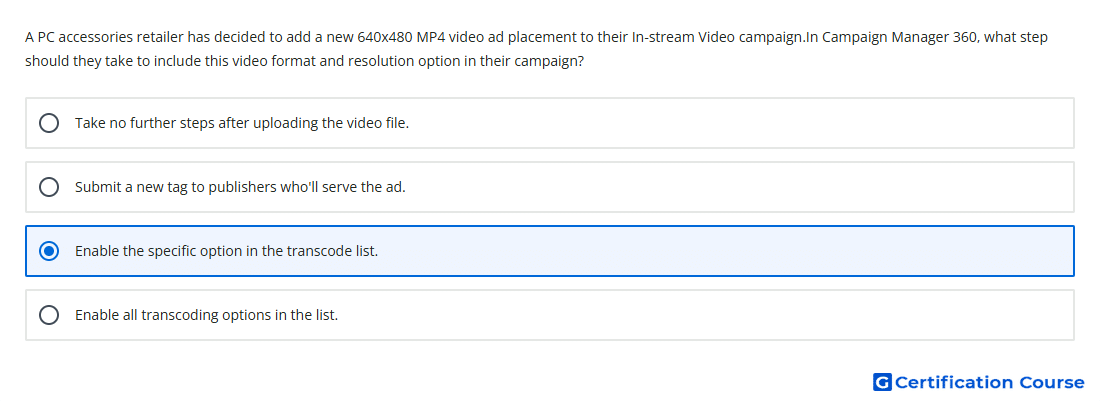
Question: A PC accessories retailer has decided to add a new 640x480 MP4 video ad placement to their In-stream Video campaign.In Campaign Manager 360, what step should they take to include this video format and resolution option in their campaign?
- Enable the specific option in the transcode list.
- Enable all transcoding options in the list.
- Take no further steps after uploading the video file.
- Submit a new tag to publishers who'll serve the ad.
Explanation
For in-stream video settings, transcodes are controlled at the placement level in Campaign Manager 360. The transcode list determines which generated video files are included in the VAST pre-fetch tag for that placement. When a specific format and resolution is needed, that exact transcode should be enabled rather than selecting unrelated formats. This keeps the placement tag aligned with the publisher’s accepted video specification.
Why the other options are incorrect
All transcoding options may include unnecessary files that do not match the publisher’s requirements.
New tag is not the first required change when the needed format is controlled by placement-level transcode settings.
No further steps is incorrect because the required transcode must be enabled for inclusion in the placement tag.
Source for verification
https://support.google.com/campaignmanager/answer/7173678
https://support.google.com/campaignmanager/answer/3311603
The answer(s) to the question is highlighted in the BOLD text above. You can also find more questions and answers related to the exams on the "Campaign manager 360 Certification" page.