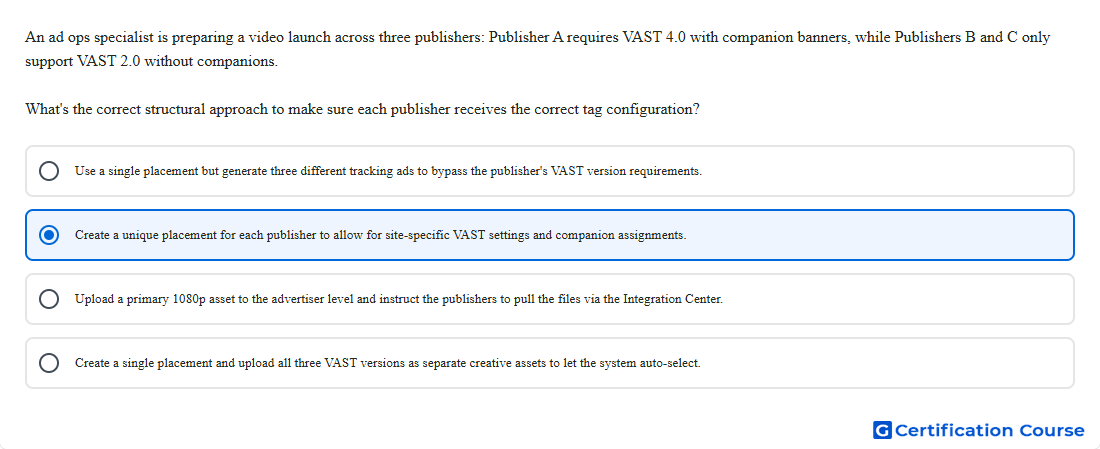
Question: An ad ops specialist is preparing a video launch across three publishers: Publisher A requires VAST 4.0 with companion banners, while Publishers B and C only support VAST 2.0 without companions. What's the correct structural approach to make sure each publisher receives the correct tag configuration?
- Use a single placement but generate three different tracking ads to bypass the publisher's VAST version requirements.
- Create a unique placement for each publisher to allow for site-specific VAST settings and companion assignments.
- Create a single placement and upload all three VAST versions as separate creative assets to let the system auto-select.
- Upload a primary 1080p asset to the advertiser level and instruct the publishers to pull the files via the Integration Center.
Explanation
Placements carry the publisher-specific tag configuration needed for in-stream video delivery. In-stream video settings can control which companion creatives, transcodes, and related elements are included in each placement tag. Different publisher specifications require separate placement-level setup so the exported VAST tags match each publisher’s supported version and companion requirements. This structure prevents one publisher’s video tag requirements from being incorrectly applied to another publisher.
Why the other options are incorrect
Tracking ads do not bypass publisher VAST version requirements.
Advertiser-level asset upload does not create publisher-specific video tag settings.
Separate creative assets do not let one placement automatically choose different VAST versions for different publishers.
Source for verification
https://support.google.com/campaignmanager/answer/7173678?hl=en
https://support.google.com/campaignmanager/answer/3311603?hl=en
The answer(s) to the question is highlighted in the BOLD text above. You can also find more questions and answers related to the exams on the "Campaign manager 360 Certification" page.