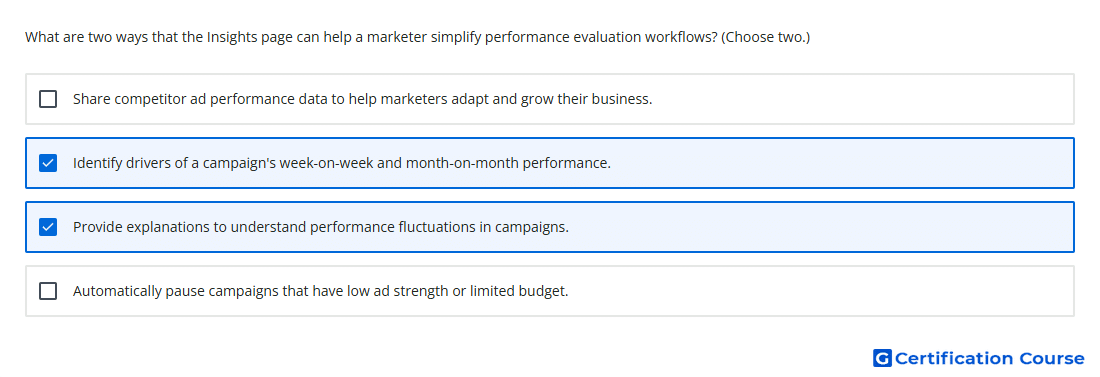
Question: What are two ways that the Insights page can help a marketer simplify performance evaluation workflows? (Choose two.)
- Provide explanations to understand performance fluctuations in campaigns.
- Automatically pause campaigns that have low ad strength or limited budget.
- Share competitor ad performance data to help marketers adapt and grow their business.
- Identify drivers of a campaign’s week-on-week and month-on-month performance.
Explanation
The Insights page highlights performance drivers so changes in results can be evaluated without manually comparing multiple reports. It can surface week-over-week and month-over-month trends tied to campaign performance. Explanations help identify likely causes of performance fluctuations, such as changes in conversions, cost, clicks, or impressions. Together, these tools reduce manual diagnosis and make performance evaluation more actionable inside Google Ads.
Why the other options are incorrect
Competitor ad performance data is not provided by the Insights page for adapting campaign strategy.
Automatically pause campaigns is not a function of the Insights page; it surfaces insights and recommendations rather than pausing campaigns.
Source for verification
https://support.google.com/google-ads/answer/11189316
https://support.google.com/google-ads/answer/9008655
The answer(s) to the question is highlighted in the BOLD text above. You can also find more questions and answers related to the exams on the "Google Ads AI-Powered Performance Ads Assessment" page.