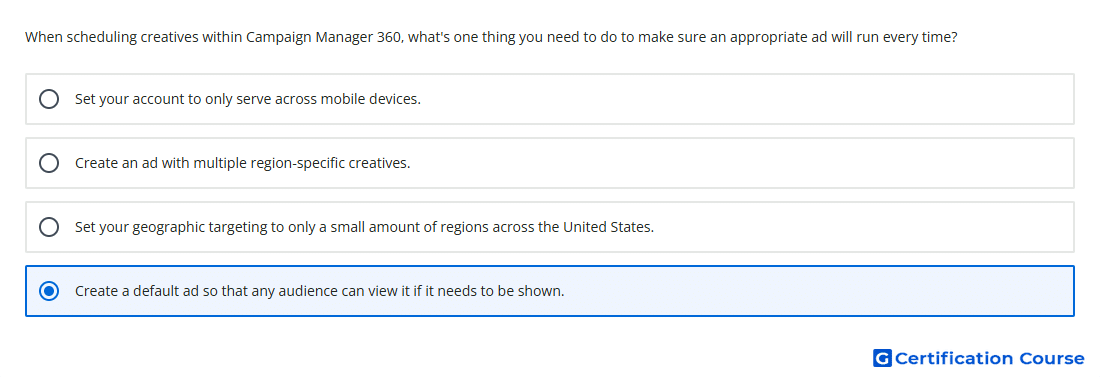
Question: When scheduling creatives within Campaign Manager 360, what's one thing you need to do to make sure an appropriate ad will run every time?
- Set your account to only serve across mobile devices.
- Create an ad with multiple region-specific creatives.
- Set your geographic targeting to only a small amount of regions across the United States.
- Create a default ad so that any audience can view it if it needs to be shown.
Explanation
Default ads act as a fallback when no other assigned ad is eligible to serve. In Campaign Manager 360, this helps maintain delivery when creative scheduling, targeting, or rotation prevents a primary ad from being selected. A default ad should be broad enough to serve to any eligible audience for the placement. This reduces the chance of an empty ad response during scheduled creative delivery.
Why the other options are incorrect
Multiple region-specific creatives can still leave gaps if a user does not match the scheduled or targeted creative.
Small amount of regions narrows delivery and can prevent an eligible ad from serving.
Mobile devices limits device eligibility and does not guarantee an appropriate fallback ad.
Source for verification
https://support.google.com/campaignmanager/answer/2826489
https://support.google.com/campaignmanager/answer/2829685
The answer(s) to the question is highlighted in the BOLD text above. You can also find more questions and answers related to the exams on the "Campaign manager 360 Certification" page.