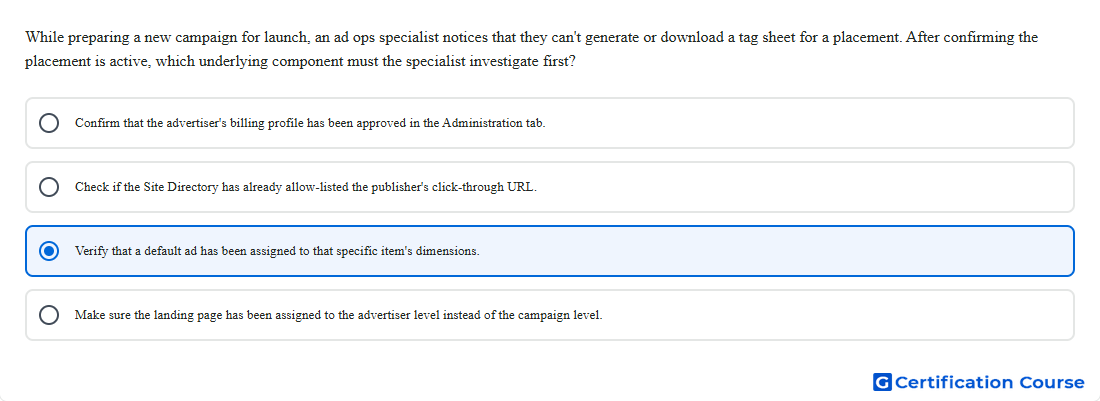
Question: While preparing a new campaign for launch, an ad ops specialist notices that they can't generate or download a tag sheet for a placement. After confirming the placement is active, which underlying component must the specialist investigate first?
- Confirm that the advertiser's billing profile has been approved in the Administration tab.
- Check if the Site Directory has already allow-listed the publisher's click-through URL.
- Verify that a default ad has been assigned to that specific item's dimensions.
- Make sure the landing page has been assigned to the advertiser level instead of the campaign level.
Explanation
Campaign Manager 360 typically blocks tag export for a display placement when the placement does not have a default ad. The default ad must use an eligible image or display creative with a primary asset that matches the placement dimensions. An active placement alone is not enough because the tag still needs an eligible fallback ad to serve. This requirement should be checked before investigating unrelated advertiser, publisher, or landing page settings.
Why the other options are incorrect
Billing profile does not control whether a placement tag sheet can be generated.
Site Directory allow-listing is not required for downloading Campaign Manager 360 placement tags.
Advertiser-level landing page is not the missing component for tag export.
Source for verification
https://support.google.com/campaignmanager/answer/2826648?hl=en
https://support.google.com/campaignmanager/answer/2704779?hl=en
The answer(s) to the question is highlighted in the BOLD text above. You can also find more questions and answers related to the exams on the "Campaign manager 360 Certification" page.