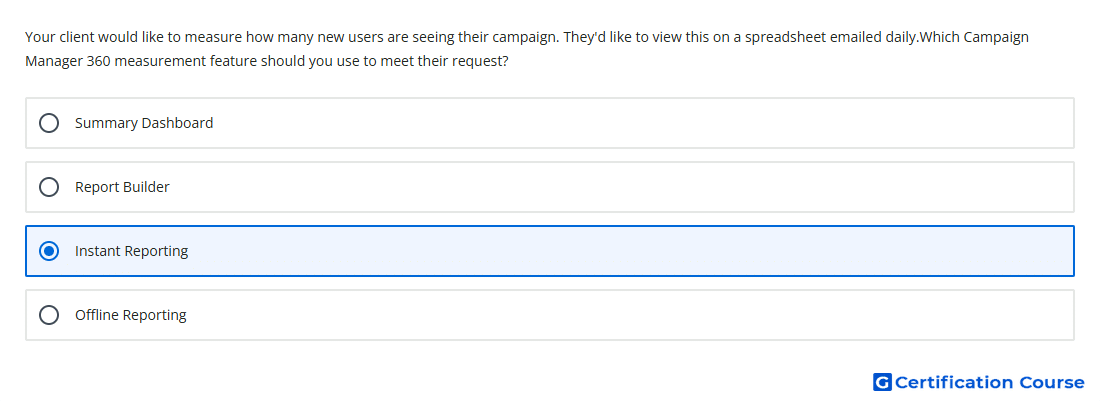
Question: Your client would like to measure how many new users are seeing their campaign. They'd like to view this on a spreadsheet emailed daily.Which Campaign Manager 360 measurement feature should you use to meet their request?
- Offline Reporting
- Report Builder
- Instant Reporting
- Summary Dashboard
Explanation
Instant reporting supports routine analysis using common dimensions and metrics, including Unique Reach metrics. It can be saved and scheduled for delivery, which fits a recurring daily reporting need. Reports can be delivered by email and exported in spreadsheet-friendly formats such as CSV, Excel, or Google Sheets. This makes it the appropriate Campaign Manager 360 feature for daily visibility into how many distinct users are reached.
Why the other options are incorrect
Report Builder is the broader reporting area, not the specific feature used for immediate scheduled spreadsheet delivery.
Offline Reporting is less suited for quick routine reach checks because it relies on reports running before offline file review.
Summary Dashboard provides a high-level view, not a scheduled spreadsheet report with the needed reach metric.
Source for verification
https://support.google.com/campaignmanager/answer/7674615
https://support.google.com/campaignmanager/answer/2823516
The answer(s) to the question is highlighted in the BOLD text above. You can also find more questions and answers related to the exams on the "Campaign manager 360 Certification" page.