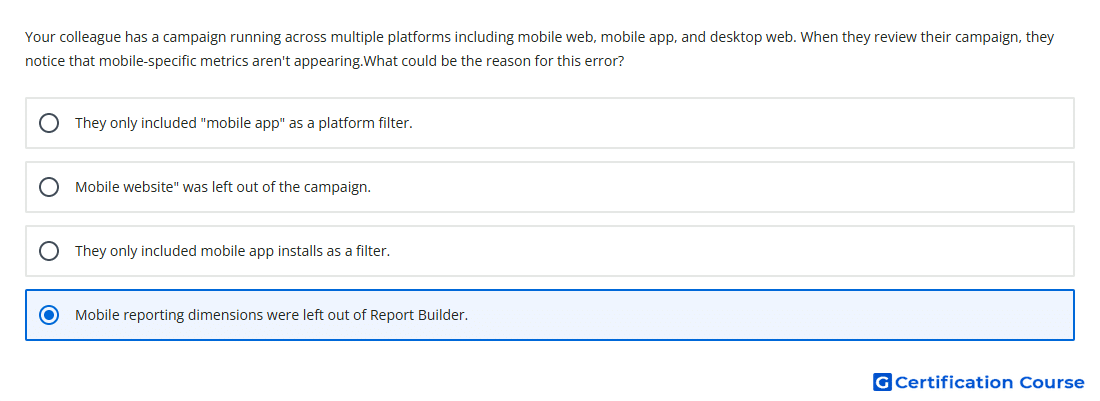
Question: Your colleague has a campaign running across multiple platforms including mobile web, mobile app, and desktop web. When they review their campaign, they notice that mobile-specific metrics aren't appearing.What could be the reason for this error?
- They only included mobile app installs as a filter.
- Mobile reporting dimensions were left out of Report Builder.
- They only included "mobile app" as a platform filter.
- Mobile website was left out of the campaign.
Explanation
Report Builder only returns mobile-specific reporting detail when the relevant mobile dimensions are included. Campaign Manager 360 uses dimensions such as Platform type and mobile-related fields to break out delivery by device or environment. Without those dimensions, the report may show aggregate campaign data instead of mobile-specific metrics. The issue is therefore caused by report configuration rather than campaign delivery.
Why the other options are incorrect
Mobile website being excluded would affect mobile web delivery, not whether mobile dimensions appear in reporting.
Mobile app installs is a conversion-related filter, not the required reporting dimension setup.
Mobile app as a platform filter would narrow results, but it would not explain missing mobile-specific dimensions.
Source for verification
https://support.google.com/campaignmanager/answer/2824511
https://support.google.com/campaignmanager/answer/2953912
The answer(s) to the question is highlighted in the BOLD text above. You can also find more questions and answers related to the exams on the "Campaign manager 360 Certification" page.