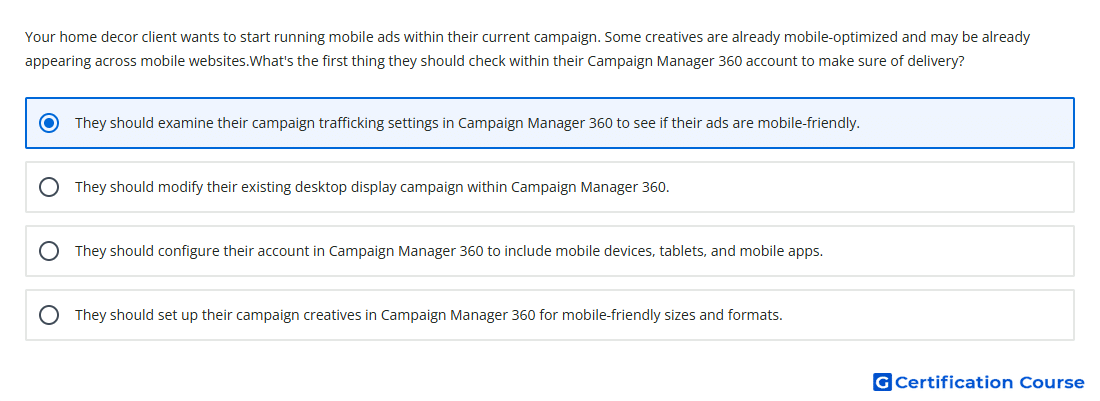
Question: Your home decor client wants to start running mobile ads within their current campaign. Some creatives are already mobile-optimized and may be already appearing across mobile websites.What's the first thing they should check within their Campaign Manager 360 account to make sure of delivery?
- They should examine their campaign trafficking settings in Campaign Manager 360 to see if their ads are mobile-friendly.
- They should set up their campaign creatives in Campaign Manager 360 for mobile-friendly sizes and formats.
- They should modify their existing desktop display campaign within Campaign Manager 360.
- They should configure their account in Campaign Manager 360 to include mobile devices, tablets, and mobile apps.
Explanation
Trafficking should be checked first because mobile delivery uses the same campaign structure but depends on eligible ads, creatives, placements, and tags. Campaign Manager 360 does not use a separate mobile ad or mobile placement type, so delivery issues are often caused by setup compatibility. Mobile-friendly delivery requires creatives and landing pages that work correctly in the intended mobile environment. Reviewing the existing setup confirms whether current ads can serve properly before creating or changing assets.
Why the other options are incorrect
Account configuration is too broad because mobile delivery is controlled through campaign setup and compatible trafficking elements.
Desktop campaign modification changes the campaign without first diagnosing whether current mobile delivery is already eligible.
Mobile creative setup may be needed later, but the first step is checking whether the existing trafficked ads can already serve on mobile.
Source for verification
https://support.google.com/campaignmanager/answer/3285848
https://support.google.com/campaignmanager/answer/3419088
The answer(s) to the question is highlighted in the BOLD text above. You can also find more questions and answers related to the exams on the "Campaign manager 360 Certification" page.