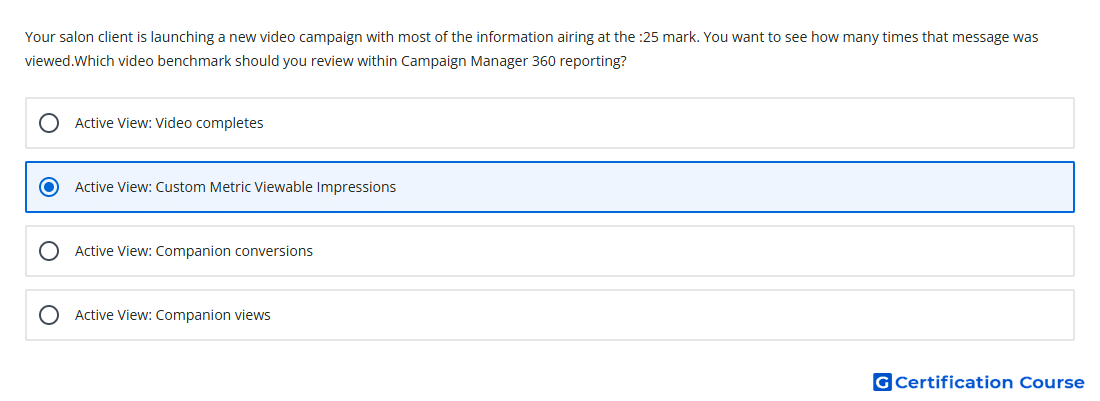
Question: Your salon client is launching a new video campaign with most of the information airing at the :25 mark. You want to see how many times that message was viewed.Which video benchmark should you review within Campaign Manager 360 reporting?
- Active View: Video completes
- Active View: Companion conversions
- Active View: Custom Metric Viewable Impressions
- Active View: Companion views
Explanation
Active View custom video metrics can be configured to count an impression when a defined video viewing threshold is reached. The threshold can be based on visibility, audibility, time, or a video quartile. A message appearing near 25 seconds can be measured by setting criteria that match when that message becomes viewable. This makes the custom viewability metric suitable when the reporting need depends on a specific point in the video rather than default completion behavior.
Why the other options are incorrect
Active View: Companion conversions measures conversion activity tied to companion ads, not whether a video message was viewed.
Active View: Video completes counts completed video playback, which is later than the message point.
Active View: Companion views applies to companion ad viewing, not the main video message.
Source for verification
https://support.google.com/campaignmanager/table/6170532
The answer(s) to the question is highlighted in the BOLD text above. You can also find more questions and answers related to the exams on the "Campaign manager 360 Certification" page.